

How Security Guard Scheduling Software Reduces Workforce Errors
Post on
February 25, 2026 •
By
TrackTik
Scheduling a security workforce is deceptively complex. On paper, it looks like a logistics puzzle—match available guards to open shifts, account for certifications, stay within overtime limits, and repeat. In practice, it’s a daily source of operational risk. A missed certification requirement puts a client site out of compliance. A double-booked officer leaves a post uncovered. An unnoticed overtime breach drives up labor costs and can trigger a labor dispute. This is what happens when teams rely on spreadsheets and manual processes to manage a dynamic, 24/7 workforce.
Security guard scheduling software, and specifically automated workforce software, exists to close that gap. This post explains where scheduling errors come from, how automation prevents them, and what a practical implementation path looks like for security firms that are ready to stop patching problems manually.
The Real Cost of Common Scheduling Errors
Before talking about solutions, it’s worth being specific about what’s going wrong. Scheduling errors in security operations tend to cluster into a few categories, and each one carries a distinct cost.
- Coverage gaps occur when a shift goes unfilled—either because no one was assigned or because the assigned guard cancelled without a replacement being found in time. The immediate consequence is a site left without security coverage, which exposes the client to risk and the firm to liability and contract penalties.
- Double bookings happen when the same officer is scheduled for overlapping shifts, or when the same post is accidentally assigned to two people while another sits empty. This is a classic symptom of managing schedules in disconnected spreadsheets where there is no single source of truth.
- Missed skill or certification matches are among the most compliance-sensitive errors. Certain sites require guards with specific licenses, training completions, or clearance levels. When scheduling is done manually and certification data isn’t integrated into the scheduling workflow, it is easy to assign the wrong person—and hard to catch the error before the shift starts.
Unintentional overtime accumulates when managers don’t have a real-time view of hours worked across sites and contracts. Beyond the direct cost, unplanned overtime can indicate systemic understaffing, create scheduling fatigue, and in some jurisdictions, trigger regulatory requirements around rest periods.
Compliance violations often result from the above errors compounding—an uncertified officer, a missed rest period, a labor rule not enforced—and can result in fines, contract terminations, or legal exposure.
Research consistently shows that manual processes are a primary driver of these failures. When scheduling lives in spreadsheets or fragmented tools, each edit introduces potential for error, and there is no automated layer to catch what a human misses.
What Automated Workforce Software Actually Does
Automated workforce software is a digital solution that uses algorithms and rule-based automation to generate, adjust, and optimize employee schedules, minimizing manual input and the potential for error.
That’s the technical definition, but what matters operationally is how the specific features translate into fewer mistakes and less manual work.
Demand forecasting uses historical data, seasonal patterns, and site-level variables to predict staffing needs before they become urgent. Instead of reacting to a last-minute gap, managers are working from a schedule that was already built around likely demand.
Skills and certification matching means the system only surfaces eligible candidates for a given shift. If a post requires a licensed guard with a current first aid certification, the software enforces that requirement automatically—no manual cross-checking needed.
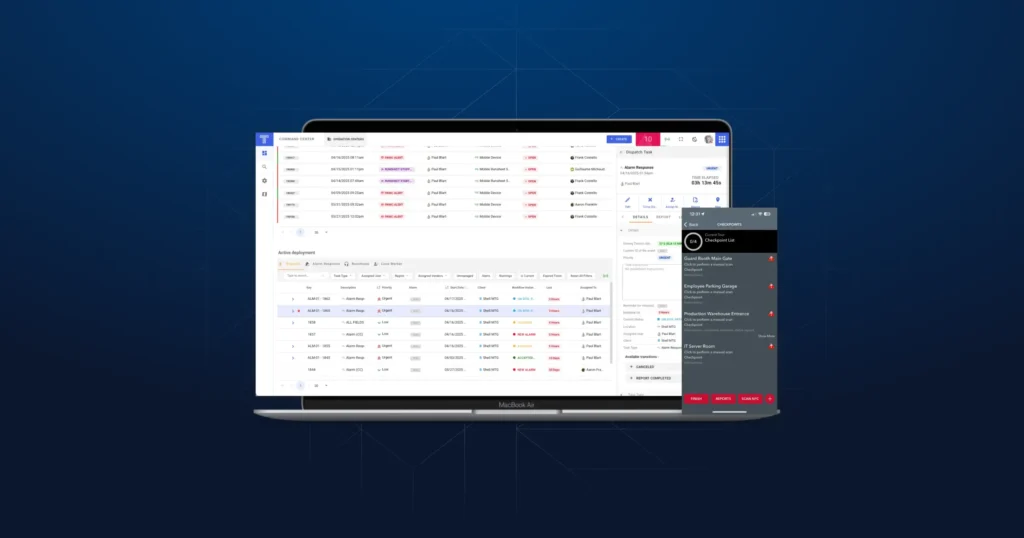
Real-time alerts flag problems as they emerge rather than after the fact. An overtime threshold being approached, a shift going unfilled close to start time, or a schedule conflict will trigger a notification, so managers can act on exceptions rather than audit the entire schedule from scratch.
Self-service shift management gives officers the ability to swap shifts, declare availability, or pick up open shifts within the rules the organization has set. This reduces the volume of last-minute calls and manual edits that create scheduling chaos.
Integrated compliance tracking embeds labor rules, certification requirements, and overtime thresholds directly into the scheduling logic. Compliance stops being a checklist that someone has to remember and becomes something the system enforces.
The combined effect is significant. Organizations that have moved to automated scheduling software report reductions in overtime, faster time-to-fill for open shifts, and meaningful cuts in the administrative time spent on manual edits. Some deployments report reductions of up to 70% in manual HR scheduling tasks.
A Practical Path to Automation
The technology is only as good as how it’s implemented. Here’s a step-by-step approach that works in the real world, not just in a vendor demo.
Step 1: Audit What’s Breaking Now
Start by documenting current failure modes before changing anything. Which error types are occurring most often—missed certifications, excessive overtime, coverage gaps? How much time do managers spend fixing scheduling problems each week? What operational disruptions have occurred in the past quarter because of scheduling failures?
This audit has two purposes. First, it establishes a baseline that will be used to measure whether automation is actually working. Second, it builds the business case for change by attaching real operational costs to current manual processes.
Step 2: Define the Rules That Automation Will Enforce
Automated scheduling is only as smart as the rules it’s given. Before configuring any software, document the logic that should govern schedules: union or labor agreement requirements, minimum certification standards per site type, maximum overtime thresholds, rest period requirements, and any client-specific rules embedded in service contracts.
At the same time, define the KPIs you’ll track—error rate, overtime percentage, shift fill rate, and schedule adherence are a good starting set. Connecting each KPI to a specific scheduling rule makes it easier to diagnose problems when metrics drift.
Step 3: Select a Tool and Run a Real Pilot
When evaluating security guard scheduling software, integration capability matters as much as features. The scheduling system needs to talk to your HRIS, payroll, and timekeeping tools. Manual data entry between systems defeats much of the purpose of automation.
Once you’ve shortlisted options, run a pilot on a single team or contract using real data—not a demo dataset. Track the same baseline metrics from your audit during the pilot. This is how you validate whether the tool actually fits your workflows, not just whether the interface looks good.
Step 4: Configure Forecasting and Alerts Carefully
The setup phase is where most implementations either succeed or struggle. Demand forecasting models need to be seeded with meaningful historical data—the more site-specific and seasonal the data, the better the projections. Generic configurations produce generic results.
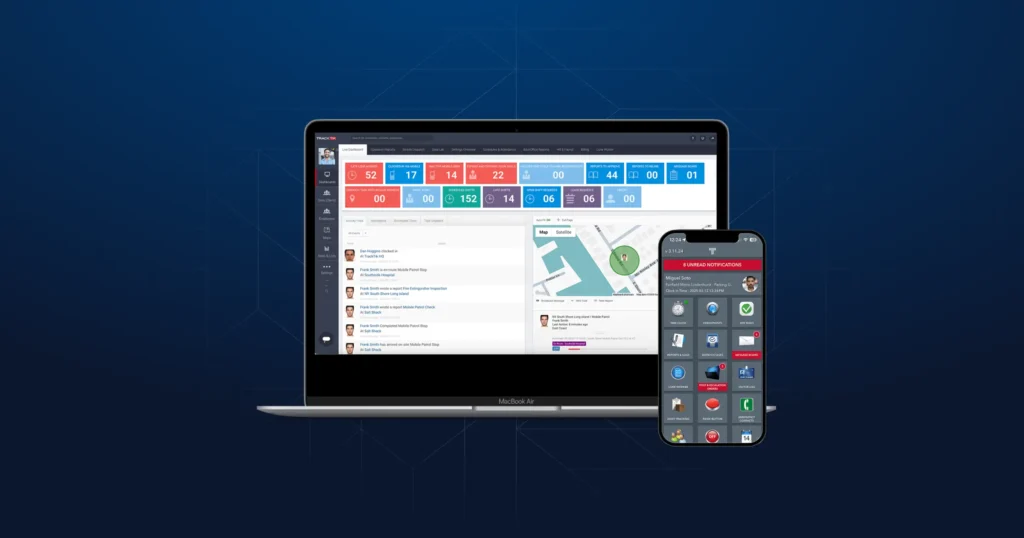
Alert thresholds should be calibrated to your actual operations. An overtime alert that fires at 100% of capacity gives managers no runway to respond; an alert at 85% or 90% of effective capacity gives them time to act. Visual tools like schedule heatmaps and dashboard alerts help managers stay oriented across multiple sites without having to dig into individual shift records.
Step 5: Train the Whole Team, Including Frontline Staff
Software adoption fails when training stops at managers. The self-service features that reduce last-minute scheduling chaos only work if officers actually use them—and they’ll only use them if they understand how and trust that the system is fair.
Keep training materials simple and practical. Show officers how to declare availability, request swaps, and pick up open shifts. Show managers how to interpret alerts and work through exceptions. Make it clear that the goal is to reduce administrative burden, not to surveil or constrain.
Step 6: Monitor Continuously and Refine
Once the system is live, the work isn’t done. Review scheduling KPIs on a regular cadence—weekly at first, then monthly once patterns stabilize. When metrics drift, dig into the exceptions to understand the root cause. Is a forecasting model underestimating demand at a specific site? Is an overtime threshold set too high? Is a certification requirement missing from the system?
A useful operating loop looks like this: monitor KPIs → analyze exceptions → refine rules or forecasting inputs → implement changes → monitor again. This cycle is how automation improves over time rather than just maintaining the status quo.
Practical Considerations Before You Start
A few realities are worth flagging before committing to an implementation.
Integration complexity scales with how many systems need to be connected. A scheduling tool that’s truly integrated with payroll, timekeeping, and HR requires more deployment effort than a standalone scheduler, but it also delivers far more value. Plan for that investment and don’t underestimate it.
Mobile adoption is non-negotiable for self-service features to work. If your workforce isn’t using the mobile app, shift swaps and availability management will still happen over phone calls, and you’ll still be managing by exception manually.
Data security and compliance requirements are increasingly strict. Evaluate vendors against relevant standards—SOC 2 compliance and alignment with NIST frameworks are reasonable baseline requirements for any software handling workforce and HR data at scale.
What Organizations Can Expect After Implementation
Reduced overtime costs and faster shift fill times are the most commonly cited gains, along with significant reductions in the time managers spend on manual scheduling edits. The 70% figure for manual HR task reduction represents what’s achievable at the higher end of the benefit range, but even modest implementations consistently show meaningful time savings.
Beyond the numbers, the qualitative shift matters too. When routine scheduling decisions happen automatically, managers are freed to focus on client relationships, site quality, and strategic workforce planning. Officers who have more control over their schedules through self-service tools report higher satisfaction and are less likely to call out at the last minute. And organizations that can demonstrably enforce compliance requirements—certifications, rest periods, overtime limits—are in a stronger position when contracts are reviewed or audits occur.
Why TrackTik Works
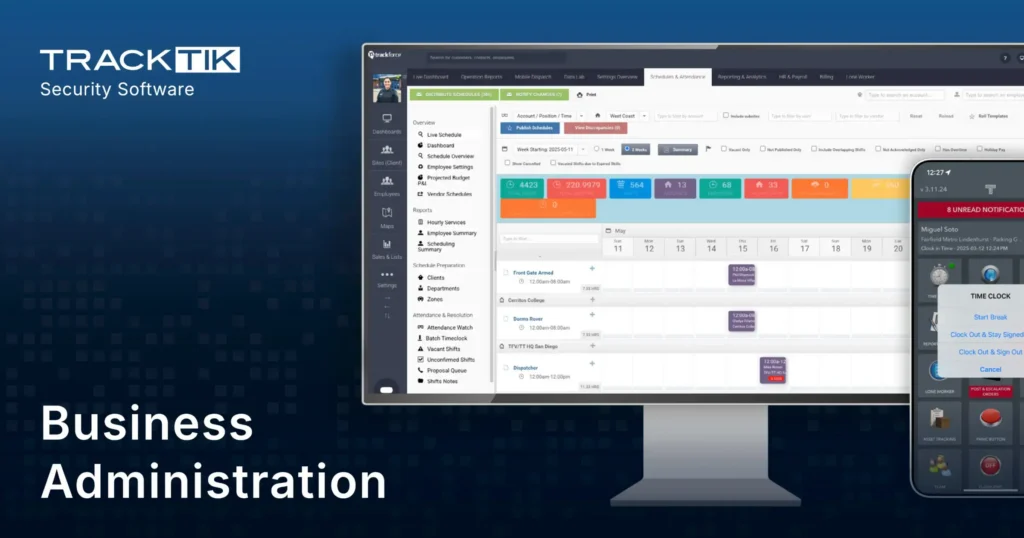
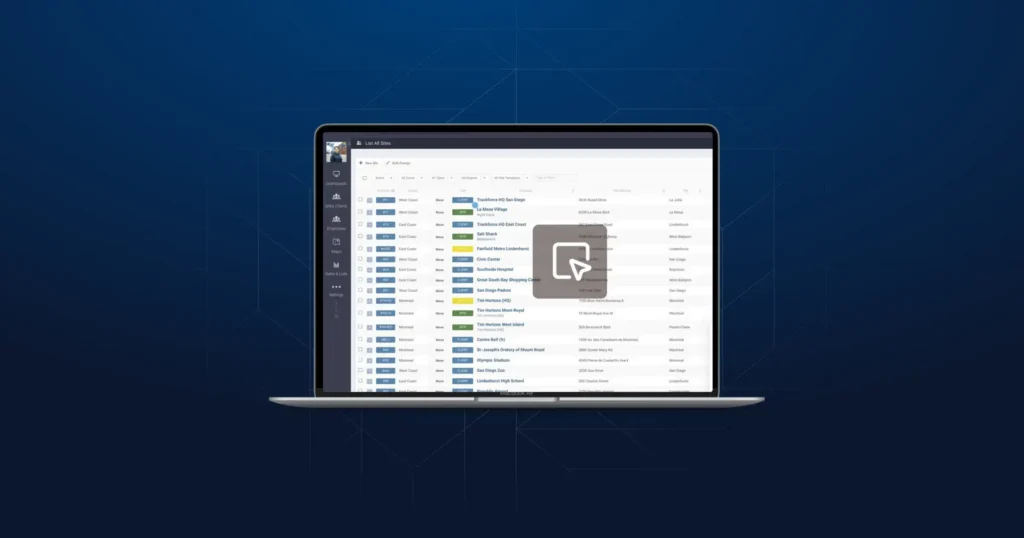
When it comes to eliminating scheduling chaos, TrackTik is purpose-built for security workforce management. By connecting scheduling, time capture, billing, and payroll into a single automated flow, TrackTik allows managers to focus on delivering exceptional security service rather than chasing spreadsheets or correcting last-minute errors.
“Since adopting TrackTik, I have been able to schedule in advance and make real time updates to the master schedule, significantly improving how I manage my book of business and meet client needs. The platform allows frontline staff to instantly view schedule changes, reducing confusion and scheduling errors by an estimated 30%. This increased visibility and efficiency help ensure consistent coverage and stronger client satisfaction.”
— Robert Murray, Supervisor, Blackstone Consulting
The platform’s combination of real-time alerts, skill and certification matching, and mobile self-service empowers teams to work smarter, not harder. Organizations adopting TrackTik report faster shift fill times, reduced scheduling errors, and meaningful reductions in administrative workload.
Take the Next Step
If you’re looking for a concrete starting point, the Security Operations Playbook 2026 from Trackforce goes deeper on exactly this topic. It walks through the four automation workflows that have the most impact on security operations—including scheduling—and shows how to implement them inside TrackTik. If your firm is at the point where spreadsheets and manual fixes are no longer sustainable, it’s a practical resource worth your time.
Frequently Asked Questions
Featured Articles
Insights and advice from Spear faculty and industry experts