

How to Solve Admin Overload With Automated Dynamic Task Assignment Software
Post on
November 4, 2025 •
By
TrackTik
Security team supervisors are often buried under an administrative workload that includes scheduling, dispatch, incident reporting, and compliance checks. This constant pressure can lead to operational bottlenecks, officer burnout, and a decline in service quality. Automated dynamic task assignment software offers a powerful solution, transforming security operations by streamlining workflows and optimizing resource allocation. By leveraging automation and real-time data, security firms can reduce overload, improve efficiency, and deliver superior client service.
This article will guide you through solving workflow overload with the right technology. We will explore how to identify tasks ripe for automation, choose the best software for your needs, and implement it successfully. You will learn how to use real-time data and AI to make smarter decisions and ensure your team is equipped to get the most from your investment.
Understanding Workflow Overload in Security Operations
In multi-site security operations, managers face a constant stream of demands. From last-minute shift changes and emergency dispatches to routine patrols and incident documentation, the administrative burden is immense. This overload often results in manual errors, delayed responses, and overworked staff. Officers spend valuable time on paperwork instead of focusing on their primary duty: ensuring safety and security.
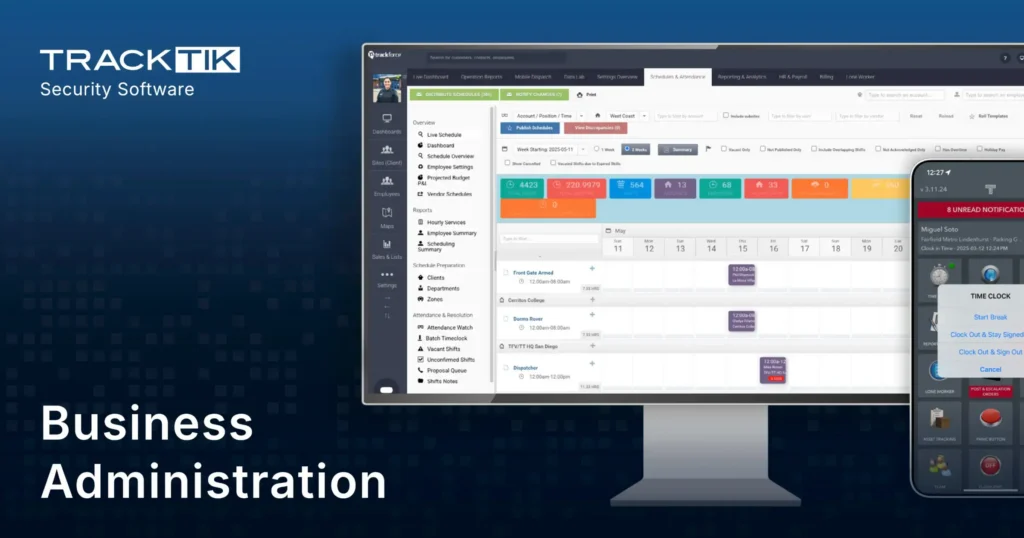
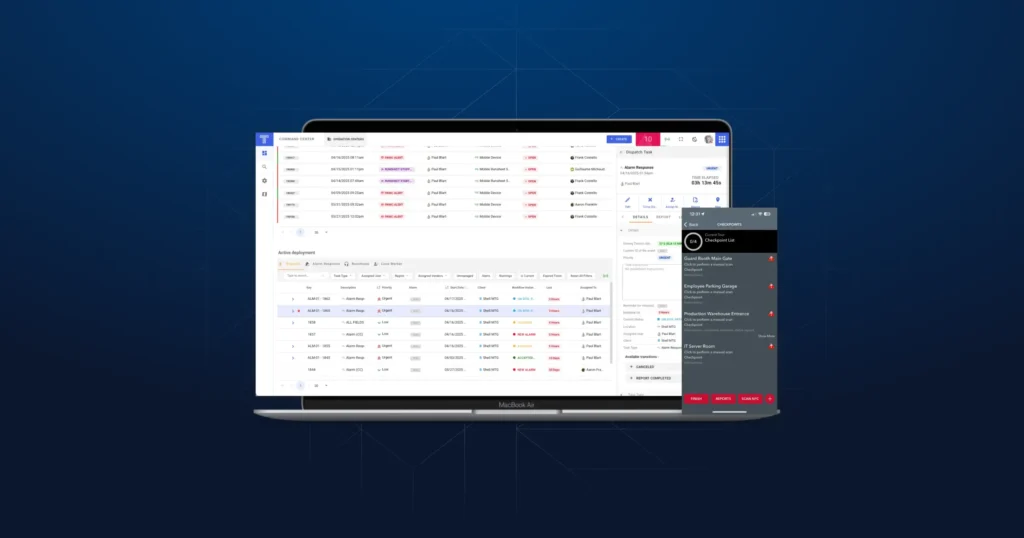
This is where dynamic task assignment comes in. It is the automated process of allocating tasks in real time based on current conditions, such as officer availability, location, skill set, and operational priority. Rather than relying on static schedules and manual intervention, this approach allows for agile and responsive workforce management. An end-to-end platform like TrackTik centralizes dispatch, scheduling, incident reporting, and analytics to enhance operational efficiency and accountability, directly combating the administrative burden that plagues the industry.
Identify Tasks Prone to Overload and Automation
The first step toward solving overload is to identify which repetitive, high-volume tasks are creating the most significant administrative pressure. A thorough workflow analysis can reveal where your team is losing the most time. Pinpointing these areas will clarify where automated dynamic task assignment software for security operations can deliver the greatest impact.
Common tasks that contribute to overload and are ideal for automation include:
- Patrol Scheduling and Post Assignments: Manually creating and adjusting schedules is time-consuming and prone to error.
- Incident Reporting and Escalation: Transcribing handwritten notes and manually notifying supervisors delays response.
- Time and Attendance Tracking: Verifying hours, managing check-ins, and preparing data for payroll is a major administrative drain.
- Compliance and Certification Management: Manually tracking license renewals and training requirements creates significant compliance risk.
- Billing and Financial Reporting: Compiling data from different systems to prepare invoices is inefficient.
Platforms designed for security workforce management software can automate these functions. For instance, TrackTik handles scheduling, time tracking, and incident management automatically. This allows your team to shift its focus from manual data entry to critical responsibilities like incident response and proactive security measures.
How to Choose the Right Automated Task Assignment Software
Selecting the right software is critical for successfully reducing workload and improving efficiency. Not all platforms are created equal. Look for a solution specifically designed for the complexities of security operations. When evaluating your options, prioritize features that directly address your biggest pain points.
|
Feature |
Description |
Why It’s Important |
|---|---|---|
|
Real-Time Dispatch |
Instantly assign tasks to the nearest or most qualified officer based on live data. |
Reduces response times and ensures the right person is assigned to the job. |
|
GPS Tracking & Geofencing |
Monitor officer locations in real time and create virtual perimeters for automated alerts. |
Improves officer safety, accountability, and operational awareness. |
|
Automated Scheduling |
Create and manage complex schedules with rules-based logic and templates. |
Eliminates manual scheduling errors and saves significant administrative time. |
|
Mobile Accessibility |
Provides officers with a mobile app to receive tasks, file reports, and communicate. |
Empowers field staff with the tools they need to perform their duties efficiently. |
|
Compliance Workflows |
Automatically track certifications and send alerts for renewals. |
Ensures your organization remains compliant with all regulatory requirements. |
|
Open API & Integrations |
Connects with other business systems, such as payroll and HR software. |
Creates a unified technology ecosystem and eliminates data silos. |
A comprehensive platform like TrackTik integrates dispatch, scheduling, incident reporting, and contract management into a single cloud-based system. Its highly-rated mobile and GPS features ensure that both back-office and field personnel are always connected, enabling seamless communication and workforce performance monitoring.
A Step-by-Step Guide to Implementing Automated Task Assignment
Migrating to an automated system requires a thoughtful implementation plan. A structured approach ensures a smooth transition and helps you realize the full benefits of the software.
- Assess and Plan: Begin by analyzing your current workflows. Identify your primary objectives, whether it’s reducing administrative hours, improving response times, or enhancing compliance. Secure buy-in from key stakeholders across the organization.
- Configure Rules and Triggers: Work with your software provider to set up automation triggers. An automation trigger is a preset rule that prompts an automatic action, such as assigning a task when an alarm is tripped or sending a notification for a missed check-in. This is where you define the logic that will drive your automated workflows.
- Set Up Key Functions: Input all necessary data, such as site details, patrol routes, officer profiles, and client requirements. Configure real-time notifications, compliance alerts, and integrations with other systems. While this initial setup requires a time investment, it is essential for the system to function correctly.
- Test and Refine: Before a full rollout, run pilot programs at a few sites. Gather feedback from users to identify any issues or areas for improvement. Refine your rules and configurations based on this real-world testing.
- Train Your Team: Launch a comprehensive training program to ensure everyone understands how to use the new system. A “set it and forget it” feature is only powerful if the team knows how it works.
Use Real-Time Data and AI for Smarter Decisions
The true power of modern security workforce management software lies in its ability to leverage real-time data and artificial intelligence. Real-time data provides an up-to-the-second view of your operations, enabling immediate, data-driven decisions instead of reactive problem-solving.
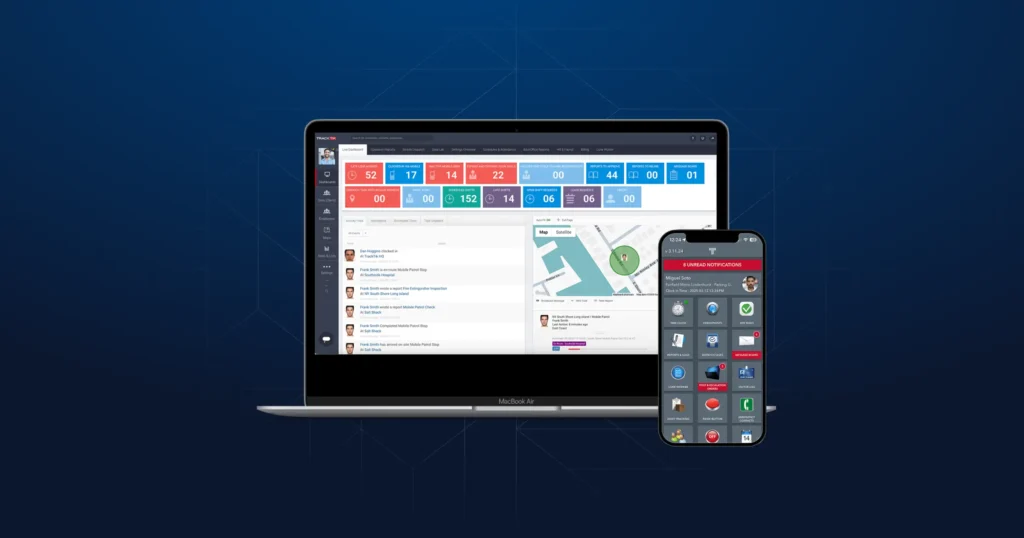
AI-powered analytics can process this data to identify patterns and suggest optimizations. For example, the software might recommend more efficient patrol routes to minimize travel time or flag an officer with a consistently light workload for reassignment. TrackTik’s Live Dashboard and GPS tracking centralize performance data, task status, and personnel movements. This allows managers to proactively allocate resources, address potential issues before they escalate, and engage in predictive task optimization.
This level of insight transforms workforce performance monitoring from a reactive review into a proactive strategy for continuous improvement.
Train Your Team to Maximize Software Benefits
Technology is only as effective as the people who use it. Comprehensive, role-based training is essential for successful adoption and for unlocking the full value of your software. Front-line officers, supervisors, and administrators have different responsibilities and require tailored instruction.
Provide interactive training sessions and supplement them with accessible resources like in-app guides, video tutorials, and a dedicated support channel. Proper onboarding ensures that data is entered correctly and that everyone understands their role in the new automated workflow. A well-trained team operates with higher accountability, leading to more reliable task completion and better overall performance.
Monitor, Evaluate, and Optimize Continuously
Implementing automated task assignment is not a one-time project. It is an ongoing cycle of improvement. Continuous performance monitoring and analyzing system data on task completion rates, response times, and workload distribution is crucial for identifying bottlenecks and opportunities for refinement.
Schedule regular reviews of your analytics and reporting dashboards. Use these insights to reconfigure workflows, update automation rules, and adjust scheduling logic as your business needs evolve. For example, automated compliance reports in platforms like TrackTik can highlight recurring issues, prompting you to update training or operational procedures. This commitment to continuous optimization ensures your automated system remains aligned with your goals and continues to drive efficiency.
Frequently Asked Questions
Featured Articles
Insights and advice from Spear faculty and industry experts