

Top 7 Intuitive Security Guard Scheduling Tools for Seamless Operations
Post on
November 6, 2025 •
By
TrackTik
Intuitive guard scheduling software has become indispensable for maintaining efficiency, accountability, and compliance. The best solutions streamline workforce coordination, enhance transparency, and empower supervisors and guards alike with real-time insights and mobile accessibility.
As organizations expand across multiple sites and client portfolios, managing hundreds—or thousands—of security shifts manually is no longer sustainable. Intuitive scheduling isn’t just about convenience—it directly impacts workforce productivity, client satisfaction, and risk mitigation. The right software ensures full coverage, reduces overtime, and enables supervisors to make data-driven staffing decisions.
What Is Guard Scheduling Software?
Security guard scheduling software automates the assignment, monitoring, and reporting of guard shifts across multiple locations. It replaces manual spreadsheets with intelligent, centralized systems that help dispatchers allocate staff, verify attendance, track patrol routes in real time, and maintain compliance with labor laws.
Modern platforms go beyond basic scheduling—incorporating features like real-time GPS tracking, predictive analytics, and mobile communication to deliver a 360-degree view of operations.
1. TrackTik
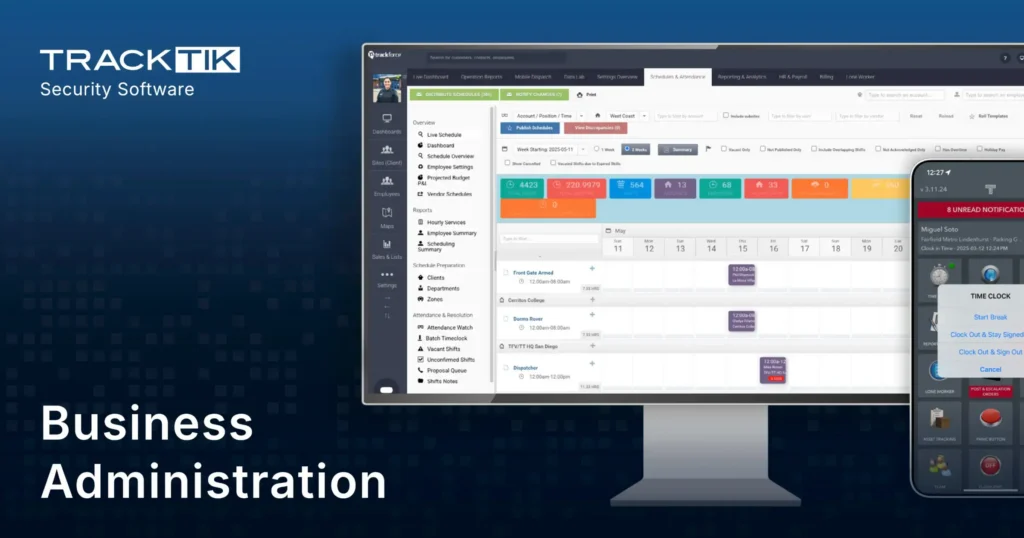
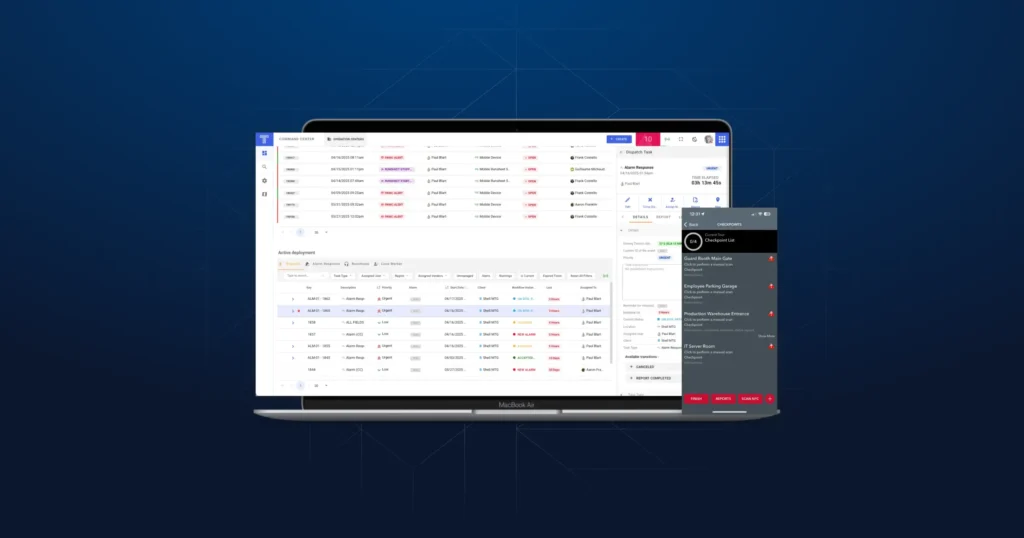
TrackTik is widely recognized as the global leader in cloud-based, end-to-end security workforce management. Designed for enterprise-scale operations, TrackTik unifies dispatch, scheduling, GPS guard tracking, incident reporting, and analytics in a single, integrated platform.
With advanced AI-powered scheduling, TrackTik analyzes operational data to recommend optimal patrol routes, reduce unnecessary travel, and enhance overall resource utilization. Its mobile app allows both guards and supervisors to manage shifts, submit incident reports, and verify patrols in real time from any device.
Key Features:
- AI-powered, demand-based scheduling and route optimization
- Real-time GPS guard tracking with geofencing alerts
- Centralized dashboard for scheduling, incidents, and analytics
- Integrated mobile access for guards and supervisors
- Automated compliance and overtime management
Pros: Fully integrated platform, AI-powered scheduling, real-time GPS tracking, mobile access, strong compliance and analytics.
Cons: May be more than needed for small teams; setup can take time for full customization.
2. Deputy
Deputy appeals to organizations seeking intelligent scheduling powered by automation and predictive technology. It uses demand forecasting—analyzing historical and real-time data to predict staffing needs and optimize coverage levels.
Key Features:
- AI-powered scheduling based on workload patterns
- Geofencing and live location tracking
- Automated alerts for missed check-ins or idle guards
- Simple interface for shift swapping and approvals
Pricing: Plans start at approximately $4.50 per user per month, offering scalability for small to mid-sized firms.
Pros: Affordable, intuitive UI, predictive scheduling.
Cons: Limited deep analytics, fewer security-specific tools.
3. GuardsPro
GuardsPro is an efficient, template-driven scheduling solution designed for budget-conscious security providers. It enables quick creation of recurring shifts and dispatches while providing essential patrol tracking tools.
Key Features:
- Template-based shift scheduling for faster deployment
- Call dispatching and incident reporting tools
- Mobile access for on-site guard check-ins
- Entry-level pricing for smaller operations
Pros: Simple templates, low cost.
Cons: Fewer integrations, lacks AI capabilities.
4. Connecteam
Connecteam offers an all-in-one mobile workforce management platform tailored for small to mid-sized firms. Its user-friendly design emphasizes self-service shift management and automated conflict detection, reducing administrative effort for supervisors.
Key Features:
- Self-service mobile scheduling and shift swapping
- Automated conflict alerts for overlapping shifts
- In-app communication and task tracking
- Affordable plans, including a free tier for up to 10 users
Pricing: Paid plans start at $29/month.
Pros: Strong mobile UX, cost-effective, great team communication.
Cons: Limited enterprise scalability, less robust reporting. Not purpose-built for security.
5. CSA360
CSA360 delivers a modular, customizable system ideal for enterprises needing tailored security workforce management. Its HR Commander module automates scheduling, overtime alerts, and compliance monitoring, while real-time dashboards display live operational data.
Key Features:
- GPS-verified patrol tours and scheduling modules
- HR Commander for shift planning and alerts
- Real-time dashboards and analytics
- Highly configurable to organizational needs
Pros: Modular customization, HR Commander tools.
Cons: Complex setup, less analytics depth.
6. Humanity
Humanity focuses on predictive scheduling and employee self-management. The platform leverages predictive analytics—data modeling that forecasts staffing demand and optimizes schedules to reduce overtime and prevent burnout.
Key Features:
- Predictive, AI-driven shift planning
- Employee self-service tools for swaps and time-off requests
- Compliance tracking and overtime monitoring
- Integrations with HR and payroll systems
Pros: Predictive scheduling, great for employee engagement.
Cons: May require integrations for full functionality and not purpose-built for security teams.
7. TARGPatrol
TARGPatrol offers an intuitive drag-and-drop scheduling interface for straightforward patrol management. While it focuses on simplicity, it covers core scheduling and incident management needs effectively.
Key Features:
- Weekly guard scheduling and Excel import/export
- Skills-based shift assignment
- Customizable incident reports
- Cloud-based patrol management
Pros: Easy drag-and-drop setup, good for small teams.
Cons: Lacks live tracking and advanced analytic
Quick Comparison Table —
2025’s Top Platforms
 |
Deputy |
GuardsPro |
Connecteam |
CSA360 |
Humanity |
TARGPatrol |
|
Mobile App |
Yes |
Yes |
Yes |
Yes |
Yes |
Yes |
|
AI-Powered Scheduling |
Yes |
No |
No |
Yes |
Yes |
No |
|
Real-Time GPS Tracking |
Yes |
Basic |
Yes |
Yes |
Limited |
No |
|
Best For |
Medium-sized organizations seeking automation |
Budget-conscious firms and small providers |
Small to midsize security teams |
Customizable enterprise deployments |
Firms focusing on staff wellbeing and workload balance |
Basic patrol and scheduling needs |
|
Notable Strengths |
Predictive scheduling, geofencing, and workforce optimization |
Template-based scheduling and quick setup |
Affordable, user-friendly, strong team communication features |
Modular design with HR Commander and patrol verification |
Predictive analytics and employee self-management tools |
Drag-and-drop simplicity and skills-based shift assignments |
How to Choose the Right Guard Scheduling Tool
Selecting the right platform starts with clearly defining operational priorities and evaluating tools against objective criteria.
Evaluation Checklist:
- Identify needs – Patrol volume, site distribution, and compliance requirements.
- Score features – GPS tracking, analytics, mobile functionality, and reporting depth.
- Compare pricing – Weigh total cost of ownership, not just subscription price.
- Request demos – Validate usability for both field and back-office users.
- Assess integrations – Ensure compatibility with payroll, HR, and incident systems.
Real-time GPS tracking and incident reporting are emerging as the most critical differentiators. For organizations managing large or mobile workforces, these capabilities significantly improve visibility, accountability, and client satisfaction.
Key Features to Look for in Guard Scheduling Software
When evaluating solutions, prioritize tools offering a balance of automation, mobility, and data intelligence.
Essential Features:
- Real-time GPS guard tracking – Monitor guard movements and verify patrols remotely.
- Automated patrol route optimization – Calculate efficient routes to minimize travel time.
- Shift swapping and self-service management – Empower guards to manage schedules independently.
- Mobile app accessibility – Enable guards and supervisors to access information on the go.
- Business intelligence dashboards – Gain insights into performance, compliance, and resource utilization.
Route optimization refers to the process of calculating the most efficient patrol routes for guards to maximize coverage and minimize travel.
Benefits of Mobile Scheduling for Guards and Supervisors
Mobile scheduling is now a must-have for modern security operations. Guards and supervisors benefit from instant communication, live updates, and the ability to manage shifts from anywhere.
Core Advantages:
- Real-time access to shift details and updates
- Instant notifications for schedule changes
- On-the-go incident reporting and photo uploads
- Streamlined shift confirmations and check-ins
- Reduced missed shifts and improved accountability
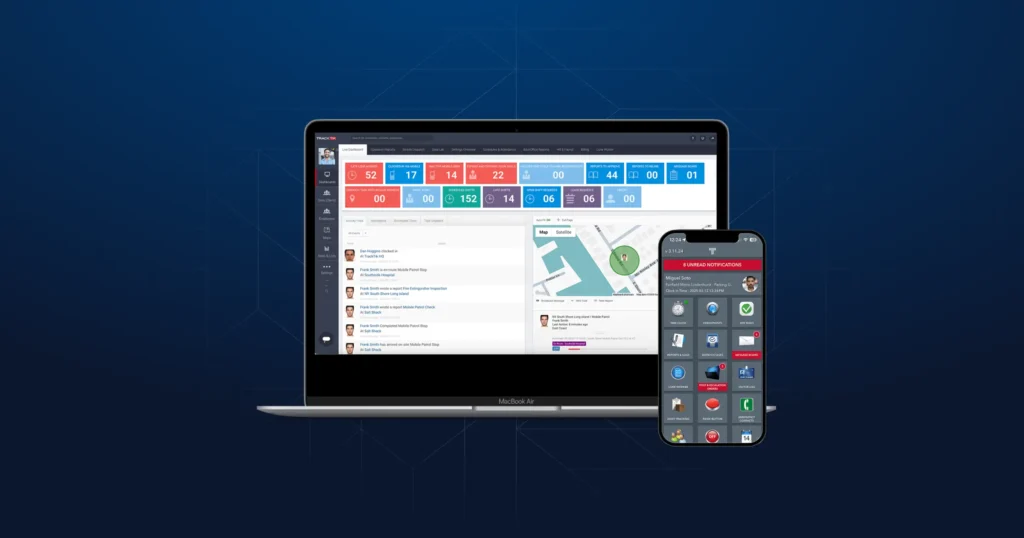
For example, the TrackTik Guard Tour mobile app enables guards to confirm presence through GPS, complete patrols, and submit incident reports—all within one unified application, dramatically enhancing field communication and operational agility.
Conclusion
Selecting the right security guard scheduling software can transform how your organization operates—improving efficiency, compliance, and workforce engagement.
For enterprises seeking a comprehensive, AI-powered, and mobile-first security guard scheduling solution, TrackTik remains the benchmark in end-to-end security workforce management. Its unified platform delivers real-time visibility, automated scheduling intelligence, and deep analytics—empowering operations to scale seamlessly while maintaining control, compliance, and client satisfaction. Security team supervisors are often buried under an administrative workload that includes scheduling, dispatch, incident reporting, and compliance checks. This constant pressure can lead to operational bottlenecks, officer burnout, and a decline in service quality. Automated dynamic task assignment software offers a powerful solution, transforming security operations by streamlining workflows and optimizing resource allocation. By leveraging automation and real-time data, security firms can reduce overload, improve efficiency, and deliver superior client service.
Frequently Asked Questions
Featured Articles
Insights and advice from Spear faculty and industry experts