[ TrackTik Security Software ]
Guard Tour Patrol Software: Mobile Suite
It can be challenging to meet SLAs without a real-time awareness of where your guards are in the field. The Mobile suite not only gives you visibility on your mobile guards but makes sure they’re taking the best route for patrol and are the best choice for dispatch.
Mobile patrol scheduling
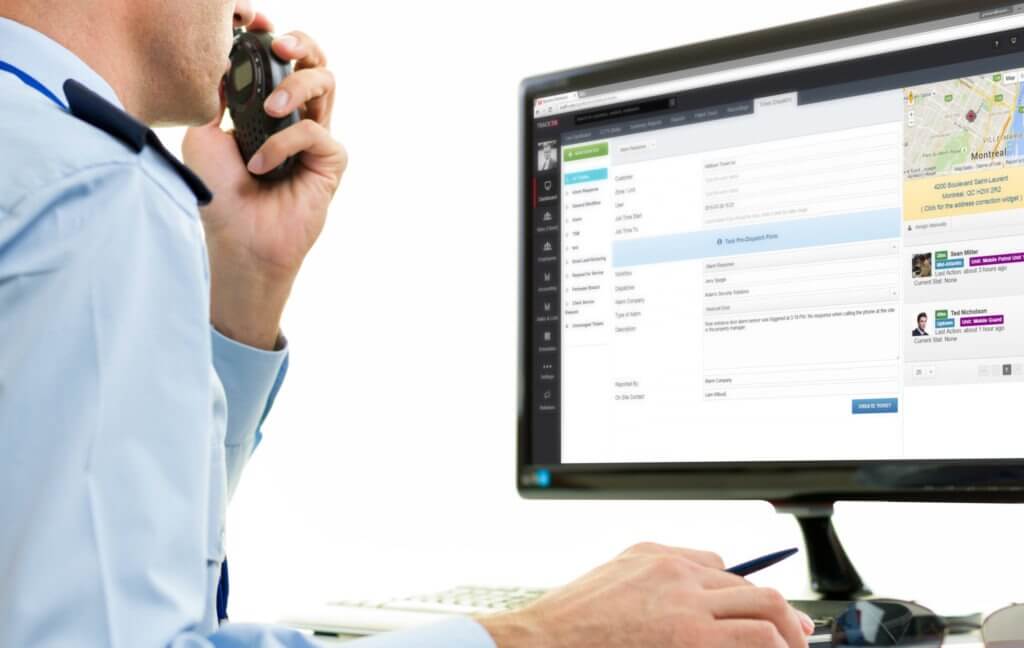
Using TrackTik’s Route Optimization, your guards will know the most efficient route for performing their mobile patrol. Grace periods can be implemented into the route so that guards won’t struggle to meet their patrol times and if you need to show clients evidence of your patrol’s efficiency, you will have accurate data at your fingertips.
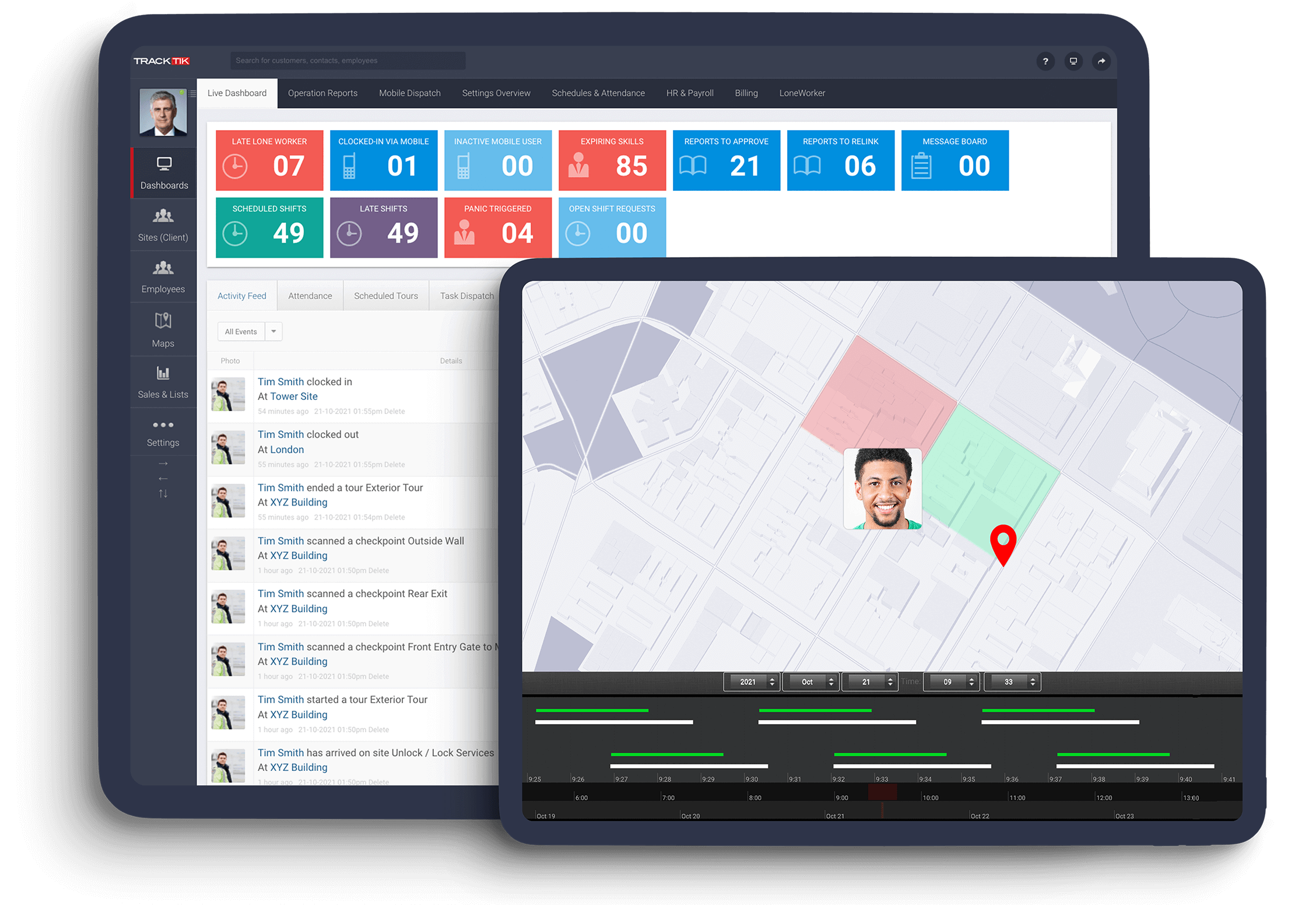
You can follow the progress of your patrol in real-time with a live view of your runsheets. Using Mobile Patrol, you won’t be left wondering how a patrol is going; you’ll have visual insight from wherever you can access a desktop.
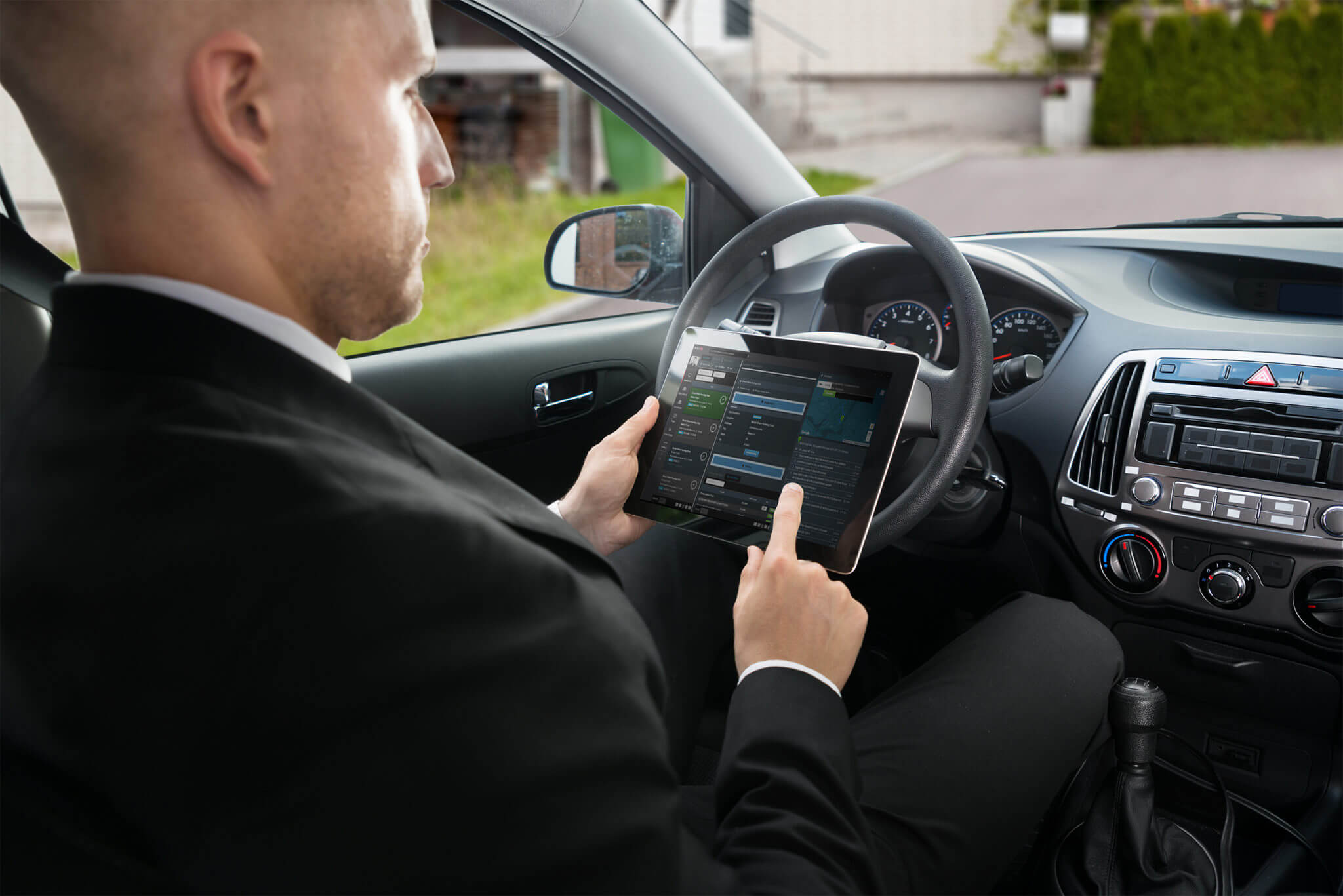
Optimize patrol route management
Managing scheduled jobs and effectively responding to unexpected events can be arduous. But it doesn’t have to be. TrackTik’s Dispatch and Patrol modules were specifically designed to improve efficiency, manage client expectations as well as every facet of your mobile operations.
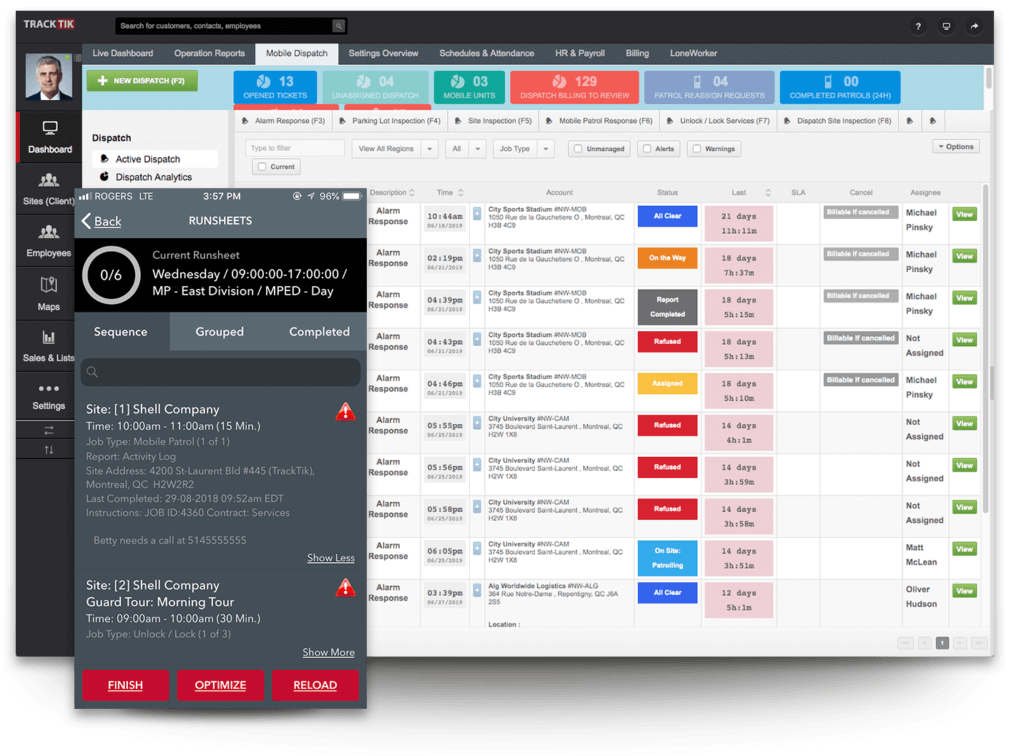
Security guard dispatch that meets SLAs
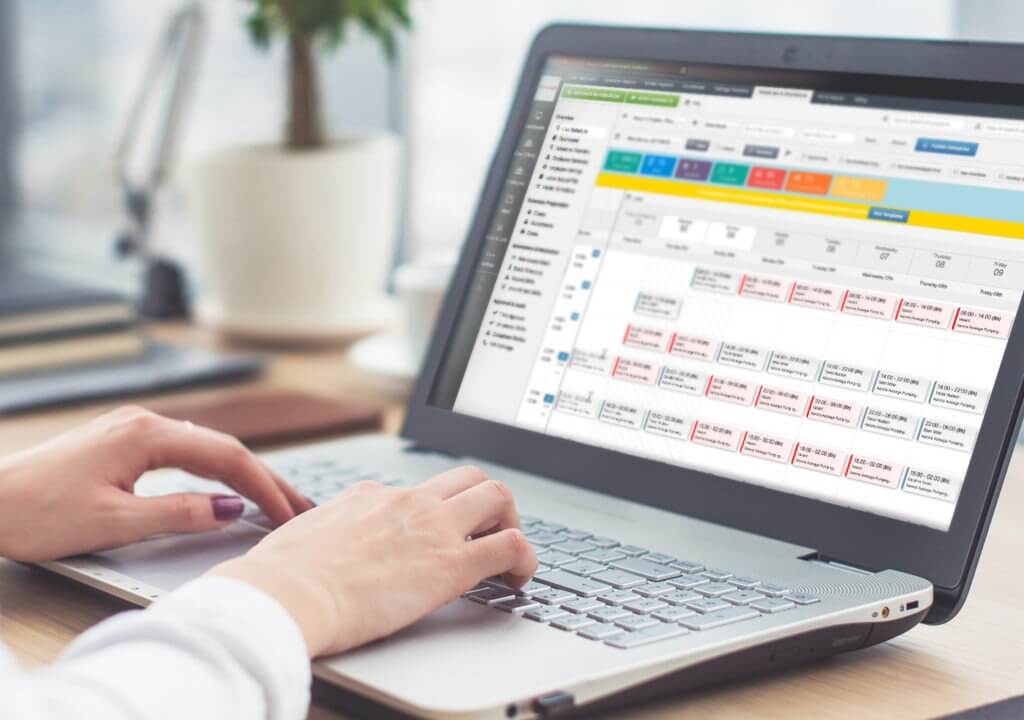
Using the Mobile Suite, your dispatch guards will have a much easier time getting to alert sites promptly. The software will suggest guards to the dispatcher based on their availability, and proximity to the site in order to ensure that the right guard gets to the site quickly.
Dispatchers can follow the progress of their guards to make sure they are safe and that the dispatch service meets SLAs. Guard performance is also tracked historically so that you can share data that demonstrates the quality of your service with clients.
Ready to unify your security operations
and respond with confidence?
Contact us today to see how security operations solutions from TrackTik can transform your security team’s impact.